Screen Recording for Work Teams: The Complete Async Communication Guide
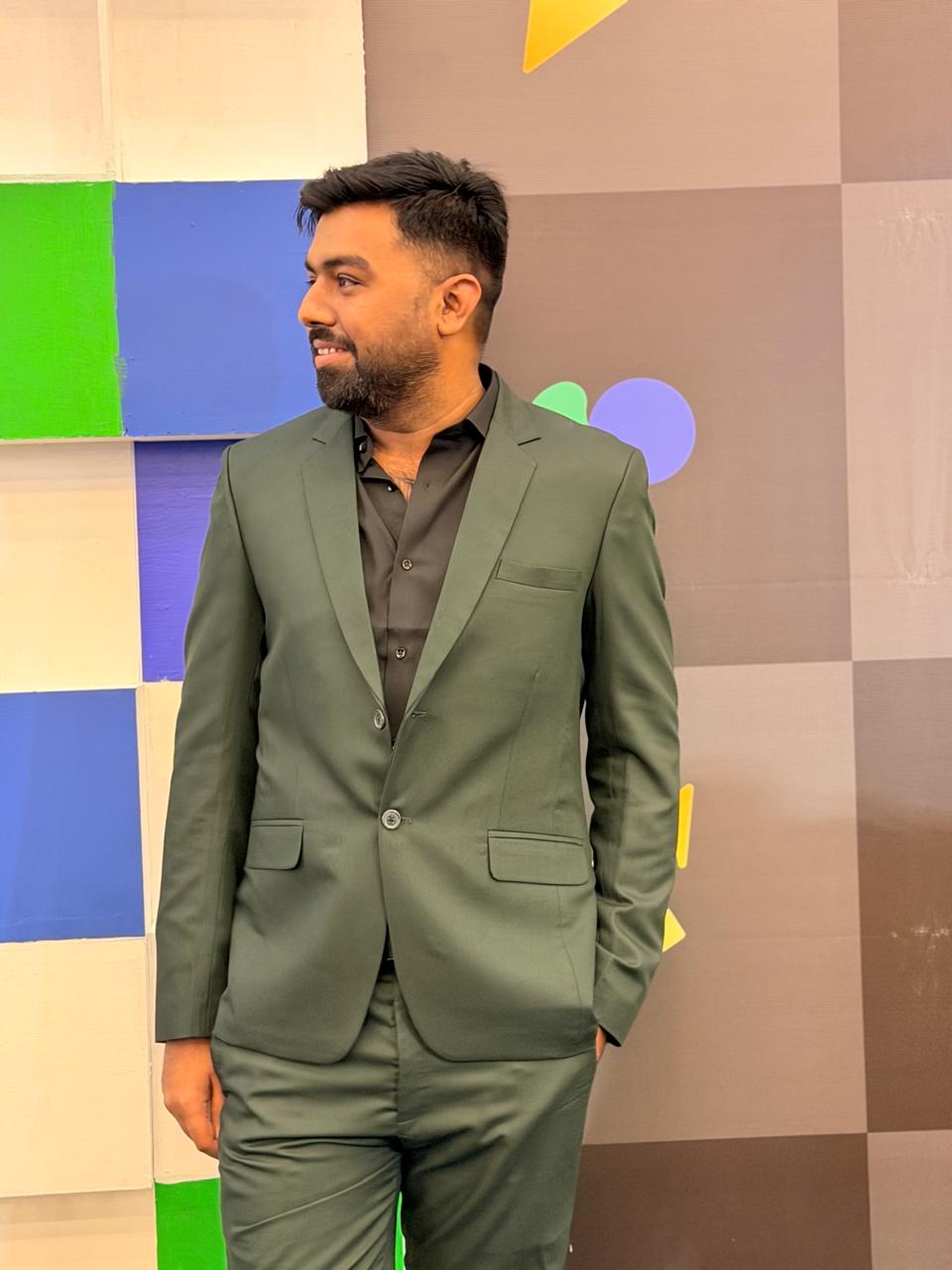 Ghulam Muhammad
The Async Communication Problem
Remote and hybrid teams spend enormous energy on synchronous coordination that doesn't need to be synchronous. Meetings are scheduled to communicate decisions that could have been a recording. Status updates that take 30 minutes in a standup could be a 3-minute video. Code reviews that require scheduling a call could be a 5-minute screen walkthrough. The cost is real: an engineer interrupted three times during deep work loses more than 3 hours of productive time, according to flow-state research.
Screen recording is the most underused tool in the async communication stack. It's faster than writing a detailed explanation, richer than a screenshot, and more personal than a wall of text. It lets recipients watch on their schedule, rewatch the parts they missed, and pause to take notes — things no synchronous meeting can offer.
This guide is a practical playbook for distributed teams: which workflows to shift to async video, how to create recordings that are actually worth watching, and how to build a team culture that uses them effectively.
When to Record vs. When to Meet
Not everything should become a video. The goal is to replace the meetings that don't need to be meetings — and keep the ones that do.
Record instead of meeting for
- Status updates and demos. Weekly engineering demos, product updates, and status reviews are perfect candidates for async video. The person preparing the update records it once; everyone watches when it's convenient. No scheduling, no timezone math.
- Code reviews and technical walkthroughs. "Let me record a quick walkthrough of how this works" is often more effective than a 60-minute code review session. Show the code in context, explain your reasoning, flag the tricky parts, and share the link in the PR.
- Design feedback. Annotate the Figma file with a screen recording walking through your feedback section by section. The designer gets specific, contextual feedback they can reference while revising — not a scattered list of comments.
- Onboarding and documentation. Recording yourself using a tool or explaining a process is faster than writing documentation and far more complete. New team members watch the video once and understand the context in a way written docs rarely convey.
- Announcements and company updates. A recorded video message from a founder or team lead is warmer and more credible than an all-hands email. It scales to global teams without requiring everyone online at the same time.
Keep the meeting for
- Complex negotiations and decisions. When the outcome is uncertain and input from multiple people shapes the direction, real-time dialogue works better. Async works for sharing context; synchronous is better for navigating disagreement.
- Relationship building. New team member introductions, one-on-ones with direct reports, and team-building activities need live presence. Async communication maintains relationships — it doesn't build them.
- Incident response. A production outage or critical bug requires immediate, synchronous coordination. Async doesn't scale to urgency.
5 Team Workflows to Shift to Async Video
Workflow 1: Engineering Demo
Replace the weekly 30-minute sprint demo meeting with a recorded walkthrough. Each engineer records a 3–5 minute video of their work: what they built, how it works, any known edge cases. Upload links to a shared Notion page or Slack channel before a set deadline. Everyone watches asynchronously. Reserve one short sync meeting per sprint (15 minutes) for questions and decisions that genuinely need real-time input.
Time saved per week: 20–25 minutes per engineer, plus zero calendar fragmentation.
Workflow 2: Code Review Walkthrough
When opening a pull request, record a 2–5 minute video walkthrough of the changes. Cover: what the PR does, why you made the decisions you made, which files are most important to review, and any tradeoffs or open questions. Paste the link in the PR description. Reviewers watch before leaving comments — they're already in context. Review quality goes up; clarifying back-and-forth goes down.
Time saved: Eliminates most "can you walk me through this?" Slack messages. Reduces review cycles by surfacing intent upfront.
Workflow 3: Design Feedback
Record your screen while reviewing a design file and narrate your feedback as you go. "This heading hierarchy is confusing because... I'd suggest... The button placement here creates a tension with..." Point to specific elements as you speak. The designer gets contextual, ordered feedback from each reviewer in one place, and can reference the recording throughout their revision process.
Result: More specific feedback, fewer revision rounds, no scheduling a feedback session.
Workflow 4: Customer Support Escalations
When a customer support ticket requires engineering escalation, the support agent records a screen walkthrough of the issue: the customer's exact steps, the broken behavior, any error messages visible in the console. The recording replaces the "can you reproduce this?" back-and-forth in the ticket. The engineer watches the recording and often understands the bug before they touch the codebase.
Result: Faster escalation resolution, less engineering time spent on reproduction.
Workflow 5: Async Standup
Replace the daily standup meeting (often 15–30 minutes of low-information sequential reporting) with async video updates. Each team member records a 60–90 second video: what they did yesterday, what they're doing today, any blockers. Post to a dedicated Slack channel or Notion page. Leadership watches when convenient. Standup meetings shift from status reporting to genuine blocker removal — or disappear entirely.
Result: Distributed teams in different timezones no longer need to overlap for standup. Deep work blocks stay intact.
What Makes a Work Recording Worth Watching
Work recordings have a higher standard than casual videos. Your colleagues are watching during their workday, not during leisure time. Here's how to ensure your recordings are worth their time.
- Get to the point in the first 10 seconds. Open with the context: "I'm walking through the auth changes in this PR" or "Here's the issue we're seeing in the checkout flow." Don't spend 30 seconds on pleasantries. State what the recording covers immediately.
- Use cursor movement deliberately. Your cursor is your pointer. Move it to things as you speak about them. A viewer watching can follow the cursor to understand where you're referring to. SnapRec's auto-zoom feature amplifies this by zooming in on each click.
- Keep it short and purposeful. Engineering walkthroughs: 3–5 minutes. Status updates: 2–3 minutes. Bug reports: 30–90 seconds. The longer the recording, the less likely it gets fully watched. If you need more than 7 minutes, break it into chapters or separate recordings.
- Name recordings clearly. "2026-05-07 — auth PR walkthrough — Ghulam" is infinitely more useful in a shared repository than "Recording #47." Naming convention matters when recordings become institutional knowledge.
- Add timestamps in the sharing message. When posting a 6-minute recording, add a note: "Key decision at 3:10." People are more likely to watch if they know where to scrub.
Tools That Support Async Video Workflows
SnapRec handles the recording and sharing. Here's where async video recordings live in a typical team's stack:
- Notion: Embed video links in engineering wikis, onboarding docs, and team handbooks. Recordings become living documentation that stays alongside written context.
- Linear / Jira: Link recordings in issue descriptions for bug reports, feature walkthroughs, and acceptance criteria demos.
- GitHub / GitLab PRs: Add recording links to PR descriptions for code review walkthroughs and architectural decision records.
- Slack: Post recordings in topic channels (e.g. #product-updates, #eng-demos) so the right people see them without getting pinged directly.
- Loom (paid) or Veed (paid): If you need viewer analytics, transcript search, or branded video pages, paid async video platforms add that layer. SnapRec provides the raw recording and sharing; these platforms provide the post-production layer.
Building an Async-First Recording Culture
Tools don't create culture — practices do. Here's how to shift your team toward async video without mandating it.
- Start with the high-value case. Identify one meeting your team has every week that consistently goes over time or has poor attendance. Propose running it async for one month. Share the time savings.
- Make quality easy. Set up a shared folder or channel for recordings. Create a one-slide template for framing (who's recording, what project, what the recording covers). Lower the bar to contribute.
- Acknowledge and reward good recordings. When someone posts a great async walkthrough that saves the team time, recognize it publicly. Culture is shaped by what gets celebrated.
- Keep a human component. Async video works best when paired with a human moment — a short sync call once a week, a team lunch, or a social channel for off-topic conversation. Pure async communication erodes team cohesion over time. Use it for work coordination; keep synchronous time for connection.
Written by
Ghulam Muhammad
Software Engineer & Founder, SnapRec
Ghulam built SnapRec after getting frustrated with watermarks on free screen recorders. He's been building Chrome extensions since 2024.
Start Recording for Free
Join thousands of creators, educators, and teams who use SnapRec to capture their screens effortlessly. No watermarks, no time limits.
